

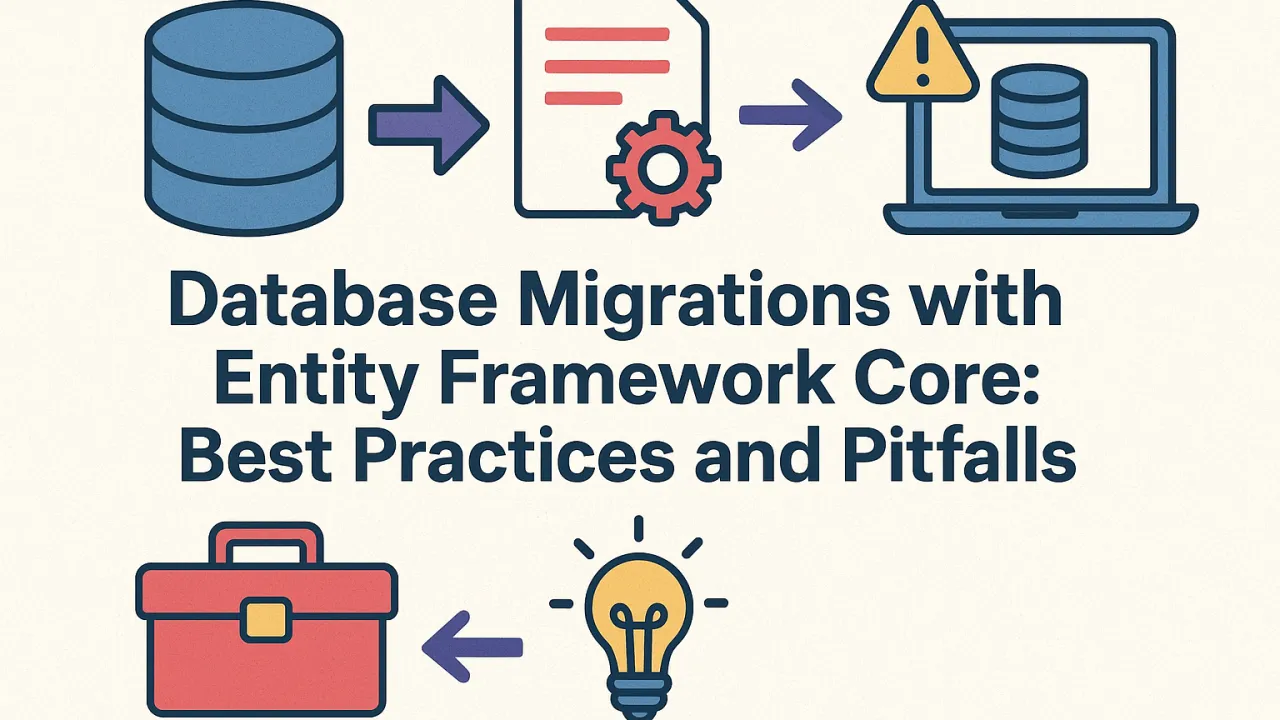
Managing database schema changes can be one of the trickiest aspects of application development. With Entity Framework (EF) Core, developers gain a powerful tool for handling migrations — but it also introduces potential pitfalls if not managed properly. Let’s explore how to use EF Core Migrations effectively, avoid common issues, and maintain production stability.
Understanding EF Core Migrations
Entity Framework Core Migrations is a mechanism that tracks changes to your data model and applies those changes to the database schema automatically. Instead of manually writing SQL scripts, you use EF Core to generate migration files that define the schema evolution.
Example workflow:
- Modify your data model (e.g., add a property or entity).
- Run Add-Migration <Name> to generate the migration file.
- Run Update-Database to apply changes.
This helps developers maintain a version-controlled, incremental record of schema changes across environments.
Best Practices for EF Core Migrations
1. Use Migrations as Part of Version Control
Always commit your migration files alongside your code. This ensures that every schema change corresponds to a specific code change — making it easier to track, roll back, or debug database updates.
2. Apply Migrations in a Controlled Environment
Avoid applying migrations directly from development environments to production. Instead:
- Use deployment pipelines (CI/CD) to apply migrations in a predictable manner.
- Test each migration in staging before going live.
- Use the –verbose flag to review generated SQL for any unexpected schema modifications.
3. Handle Merge Conflicts Carefully
In team environments, multiple developers might create migrations at the same time. This can lead to conflicts. Tip:
- Rebase and merge migrations in order, ensuring each migration’s timestamp and sequence remain consistent.
- Use dotnet ef migrations script to generate a cumulative SQL script that merges all changes cleanly.
4. Use Custom Migrations for Complex Scenarios
Sometimes EF Core can’t generate the desired schema automatically (e.g., renaming a column without data loss or restructuring relationships). Solution: Edit the migration file manually — adding custom SQL operations using migrationBuilder.Sql() for precise control.
5. Avoid Auto-Migrations in Production
While EF Core supports automatic migrations, it’s risky for production environments. Auto-migrations can cause data loss or schema mismatches if applied without review. Instead, always:
- Generate migrations manually.
- Review the SQL output.
- Apply through controlled deployments.
Common Pitfalls to Avoid
🚫 Ignoring failed migrations: If a migration fails during deployment, fix and reapply instead of creating a new one over it — this maintains version consistency.
🚫 Deleting migration files after applying: Even after applying a migration, keep its file in version control for traceability and rollback.
🚫 Relying on EF Core for all schema changes: For large datasets or complex restructuring, consider using SQL scripts for better control and safety.
Production-Ready Migration Strategy
A robust production approach includes:
- Migration scripts generated and reviewed before deployment.
- Backups of databases before applying updates.
- Transactional migrations to ensure rollbacks on failure.
- Logging of applied migrations to track environment status.
Final Thoughts
EF Core Migrations is an invaluable tool for maintaining database evolution in .NET applications. When used thoughtfully, it simplifies schema management and reduces manual errors. But like any automation, it requires discipline — version control, review, and controlled deployment are the keys to using it safely and effectively.
By following best practices and avoiding common pitfalls, teams can ensure their databases evolve smoothly alongside their applications — without downtime or surprises.